
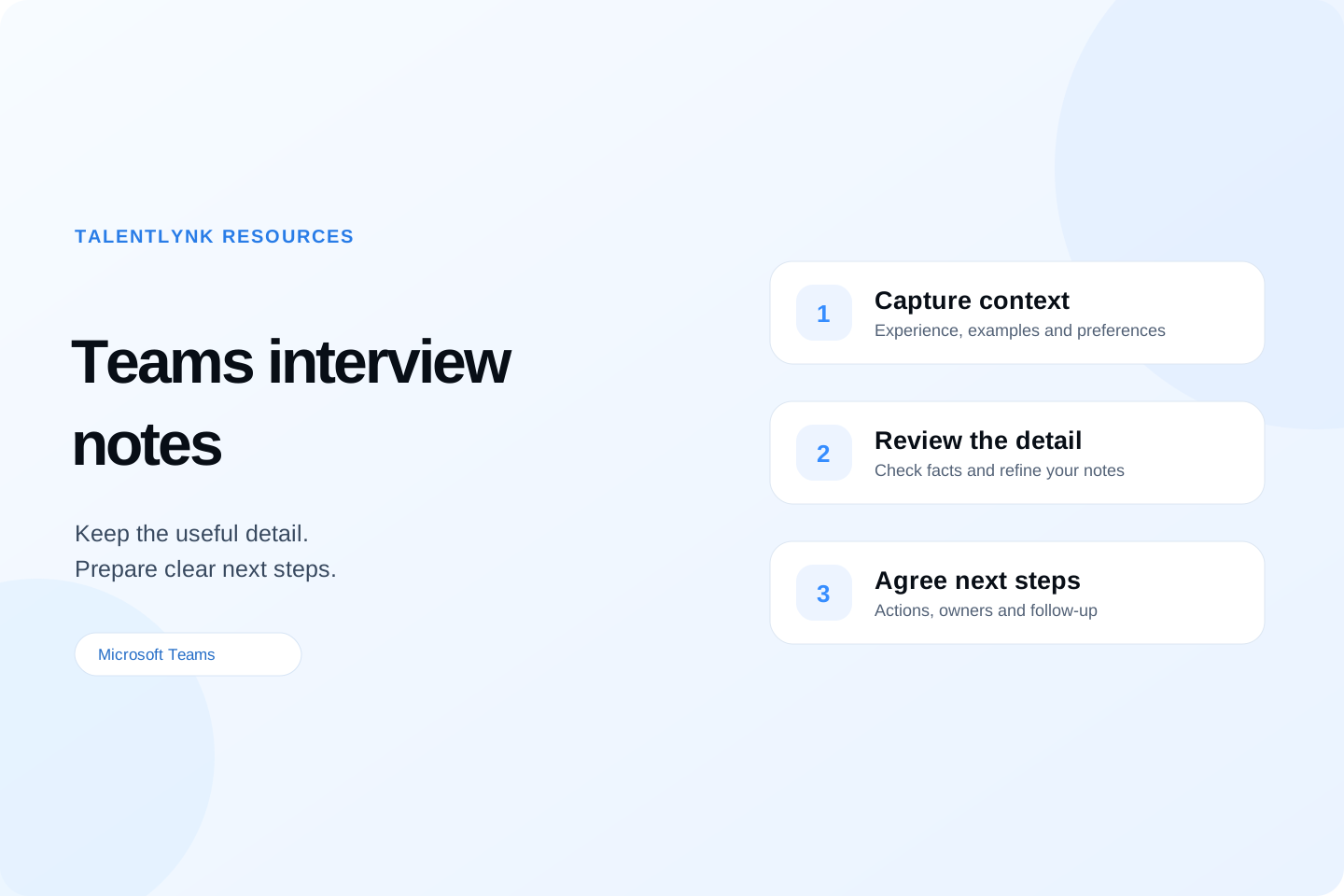
A Microsoft Teams interview can cover a candidate's experience, the role they want next and the practical details that shape a placement. Useful interview notes make that information easy to find when you prepare a shortlist, speak to a client or pick up the conversation a week later.
This guide explains how to turn Teams interview transcripts into structured recruitment notes. It includes a reusable summary template, a fictional worked example and a practical workflow for reviewing AI meeting notes with TalentLynk.
In this guide
- What to capture from a Teams interview
- A workflow from transcript to follow-up
- Teams interview notes template
- A completed interview summary example
- Using TalentLynk with Microsoft Teams
- Frequently asked questions
What should recruiters capture from a Teams interview?
Organise the notes around the vacancy and the decisions your team needs to discuss. A colleague should be able to understand what the candidate said, which questions remain open and what you agreed to do next.
Relevant experience and specific evidence
Capture examples that relate to the role: the candidate's responsibilities, the scale of a project, the tools they used and the outcome they described. Keep their own contribution clear when they discuss a team achievement.
For example, “managed onboarding” gives a colleague little context. “Described coordinating onboarding across three departments; owned the schedule and stakeholder updates” gives them a concrete point to explore. Preserve any uncertainty about figures or responsibilities for confirmation.
Motivation and preferences
Record what the candidate wants from a move and what interests them about this opportunity. Include the responsibilities, working environment and development opportunities they described. Where a preference is flexible, record the condition they gave.
Practical details and open questions
Summarise the relevant salary expectations, notice period, availability and working arrangements discussed. Keep the units and context attached to numbers: annual salary, day rate, currency, location and any conditions. Mark unanswered questions as points to confirm.
Agreed actions and ownership
Give each next step an owner and a date or clear trigger. “Recruiter to confirm the interview format with the client by Thursday” is more useful than “follow up”. Include anything the candidate agreed to send and any question the hiring manager needs to answer.
For an earlier qualification conversation, our candidate screening call notes template provides a broader starting structure. Adapt the Teams interview notes to the stage and purpose of the meeting.
From Teams interview transcript to useful recruitment notes
1. Set the interview structure before the meeting
Choose the role requirements and questions you want to cover. Leave space for the candidate's questions, practical details and next steps. A consistent structure makes it easier to find relevant evidence afterwards and gives colleagues a shared approach to writing up interviews.
If you plan to use transcription, confirm the arrangements with your organisation and participants before the interview. Microsoft Teams transcription and access are controlled by your organisation's settings. Your administrator can confirm the appropriate setup using Microsoft's recording and transcription guidance.
2. Use the available transcript to recover the detail
A transcript gives you a written source to revisit after the meeting. Use it to check technical terms, examples, candidate questions and commitments that are easy to miss while leading the conversation.
Keep the source meeting and date clear in the summary. If more than one interviewer took part, check who made a statement before attributing it to the candidate.
3. Create a structured summary
Group the useful detail under headings such as role context, relevant evidence, preferences, practical details and actions. AI meeting notes can help produce a first draft from the transcript, giving you a starting point to review and refine.
Keep candidate statements distinct from recruiter observations. A statement such as “the candidate described leading the rollout” records the discussion. An observation such as “explore their individual contribution at the next stage” makes the follow-up clear.
4. Review the details that matter
Check names, dates, salary figures, technologies and commitments against the conversation. Refine the wording so the final note reflects the interview accurately and gives colleagues the context they need.
Keep an unanswered question visible until it has been confirmed. For example, “notice period to confirm” preserves a useful action; a guessed start date can create confusion later in the process.
5. Prepare a focused follow-up
Use the reviewed note to prepare the next conversation. A candidate follow-up can confirm agreed actions and outstanding questions. A client update can bring together the relevant evidence and the points the hiring team wants to explore.
Select the information appropriate to the recipient. This keeps an internal interview record useful while allowing you to prepare a concise, relevant update for a candidate, colleague or client.
Microsoft Teams interview notes template
Use this structure for a recruiter-led candidate interview. Adjust the evidence headings to the vacancy and keep the final summary concise enough for a colleague to scan.
Meeting: [Interview date, role and stage]
Participants: [Candidate and interviewers]
Purpose: [What this interview aimed to explore]Relevant experience: [Examples discussed, candidate's contribution and stated outcomes]
Role requirements: [Evidence against the agreed requirements; points to explore]
Motivation and preferences: [Reasons for moving, interests and stated flexibility]
Practical details: [Relevant expectations, availability and working arrangements]Candidate questions: [Questions asked and answers still needed]
Recruiter observations: [Clearly labelled observations linked to the discussion]
Points to confirm: [Unknowns and who will clarify them]
Agreed next steps: [Action, owner and date or trigger]
For a technical or specialist interview, add a short section for the examples discussed. Describe the evidence and any follow-up question clearly so the hiring team can assess it in context.
Example: a completed Teams interview summary
The following example is fictional and uses an illustrative vacancy. It contains no candidate or customer information.
Meeting: Recruiter interview for an Implementation Consultant vacancy.
Purpose: Explore delivery experience, client communication and interest in the role.Relevant experience: Candidate described coordinating a software rollout across three departments. Said they owned the schedule, ran weekly stakeholder updates and supported user training. Reported that the rollout met the agreed launch date.
Role requirements: Discussed experience translating client requirements into an implementation plan. A detailed example of handling a delayed dependency would be useful at the next stage.
Motivation and preferences: Interested in greater ownership of client delivery and a defined progression path. Comfortable discussing a hybrid arrangement once the office expectations are confirmed.
Practical details: Stated a one-month notice period. Salary expectations to confirm after the full role scope is shared.Candidate questions: Asked about implementation team size and typical project length.
Recruiter observation: The rollout example provides a useful basis for the client's discussion of delivery ownership.
Points to confirm: Recruiter to clarify office attendance and project scope with the hiring manager.
Next steps: Recruiter to send the role details by Thursday; candidate to respond with questions before arranging the next interview.
The summary preserves useful evidence and gives the next conversation a clear agenda. A colleague can see which details came from the candidate and which actions still need an answer.
Using TalentLynk with Microsoft Teams interview notes
TalentLynk brings Microsoft Teams meetings into your recruitment conversation workflow. With the integration connected and an accessible meeting transcript available, recruiters can generate an AI meeting summary and review the transcript for the original context.
Use the summary as a starting point for clear notes on experience, preferences and agreed actions. TalentLynk's note editing tools let you refine the wording and add useful context as you prepare the information for your recruitment workflow. Your team can also tailor AI workflows to the information it wants to capture.
This connects Teams interviews with the wider conversation around a candidate or client. Explore our AI call notes for recruiters page for the broader approach to structured summaries and useful follow-up.
Apply the same structure to a client briefing
A Teams meeting with a hiring manager needs a different set of headings: the hiring need, essential requirements, working arrangements, interview process and agreed actions. Our client job brief template gives your team a reusable structure for that conversation.
Keep the setup discussion focused on your agency's workflow: the meetings you want to use, the note format consultants need and how colleagues will use the output. TalentLynk can walk through the relevant Teams and CRM workflows in a personalised demonstration.
Frequently asked questions
How do I take better interview notes in Microsoft Teams?
Use a structure based on the vacancy, capture specific examples and finish with agreed actions. Where an accessible transcript is available, use it to check the detail before sharing a summary.
Can TalentLynk create AI notes from a Teams interview?
Yes. With the Teams integration connected and an accessible meeting transcript available, TalentLynk can generate an AI meeting summary. Recruiters can review the conversation context and refine their notes for the next step.
What is the difference between an interview transcript and interview notes?
A transcript captures the spoken discussion as text. Interview notes organise the relevant detail around the role, evidence, questions and actions. Keeping a clear connection to the source helps you check the summary.
What should I check in an AI interview summary?
Review who said what, the candidate's specific examples, practical details and agreed commitments. Keep observations clearly labelled and unresolved questions visible so colleagues can follow up accurately.
Can I use this approach for client meetings?
Yes. Adapt the headings to the purpose of the meeting. For a client job briefing, focus on hiring priorities, requirements, process and next actions using the job brief template linked above.
See TalentLynk working with Microsoft Teams
Bring your interview note format and candidate or client meeting workflow to a demo. We will show how available Teams transcripts, AI summaries and recruitment conversations can work together for your agency.
.svg)


